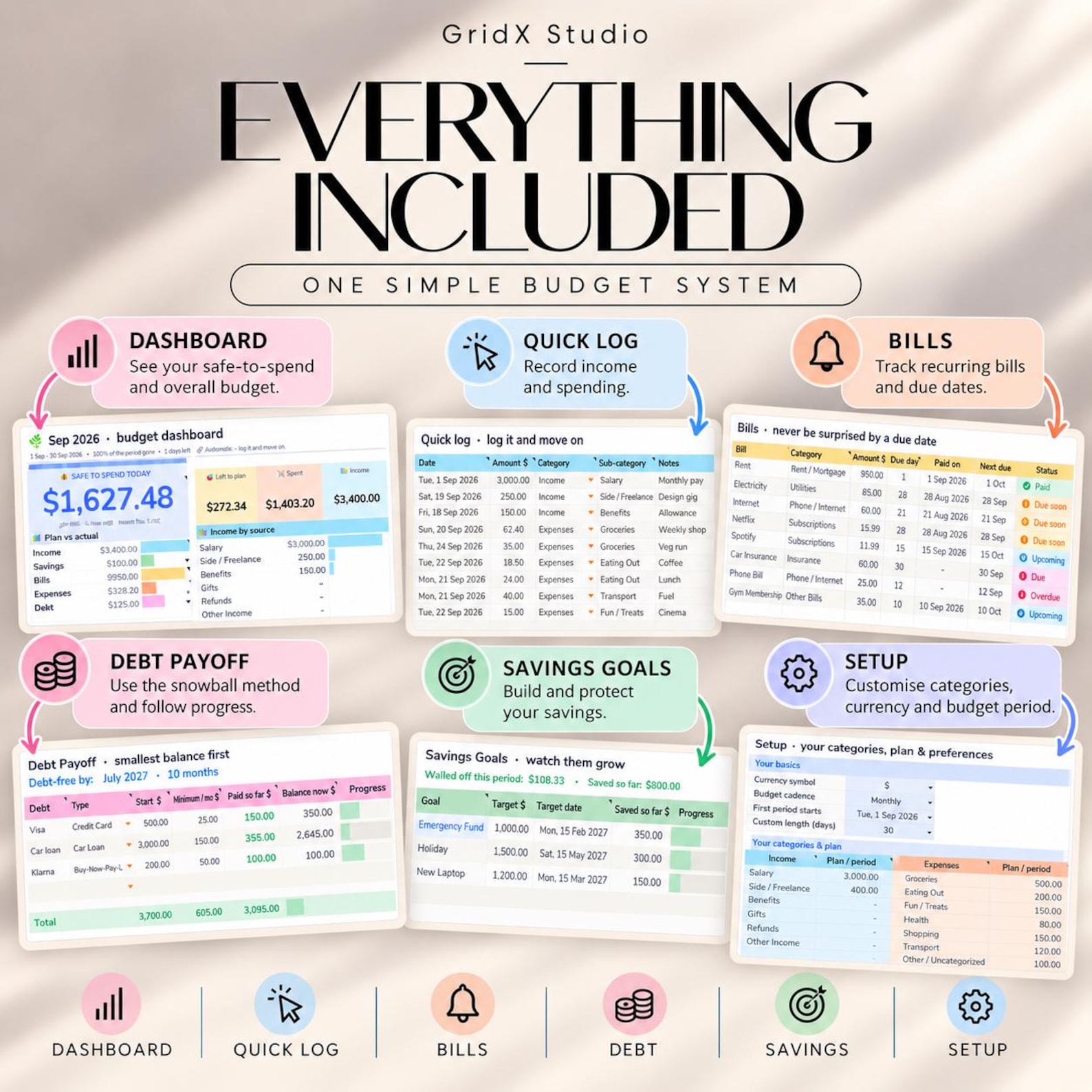
ADHD-Friendly Budget: A Simple System That Actually Sticks
No daily logging. No color-coded chaos. Four buckets, one number to check, and a five-minute weekly reset.
Try the 30-second calculatorGet the ready-made plannerIf you have ADHD, you have probably started a budget at least three times and abandoned it by week two. That is not a character flaw. Most budgeting advice is built for brains that find routine tracking easy, and yours may not.
This post explains why traditional budgets fail with ADHD and walks through a simple, low-effort system you can set up in about 30 minutes. It needs no daily logging, no color-coded categories, and no willpower.
Why traditional budgets fail ADHD brains
A standard budget asks you to do the things ADHD makes hardest: remember to log every purchase, review a long list of categories, and stay consistent for months with no immediate reward. Three patterns usually break it.
Time blindness
Payday and rent day feel equally far away until they are suddenly today. A monthly budget hides the fact that your money has to last across four or five very different weeks.
Impulse spending
Novelty and quick rewards are powerful with ADHD. A budget that only says “don’t” gives you nothing to say yes to, so it loses.
Tracking fatigue
Logging every coffee works for a week. Once one day is missed, the gap feels too big to fix, and the whole system gets dropped.
The fix is not trying harder. It is a system that needs less from you.
The 3-step ADHD-friendly budget
The goal is a budget you can run on your worst day. Keep the structure small, automate what you can, and make the result visible.
- Keep it to four buckets. Bills and essentials, savings and debt, spending money, and a buffer. Fewer categories means fewer decisions, and fewer decisions means you actually finish the setup.
- Automate the boring parts. Move savings and bill money out on payday, so the money is gone before you can spend it. Whatever is left in your checking account is guilt-free spending money.
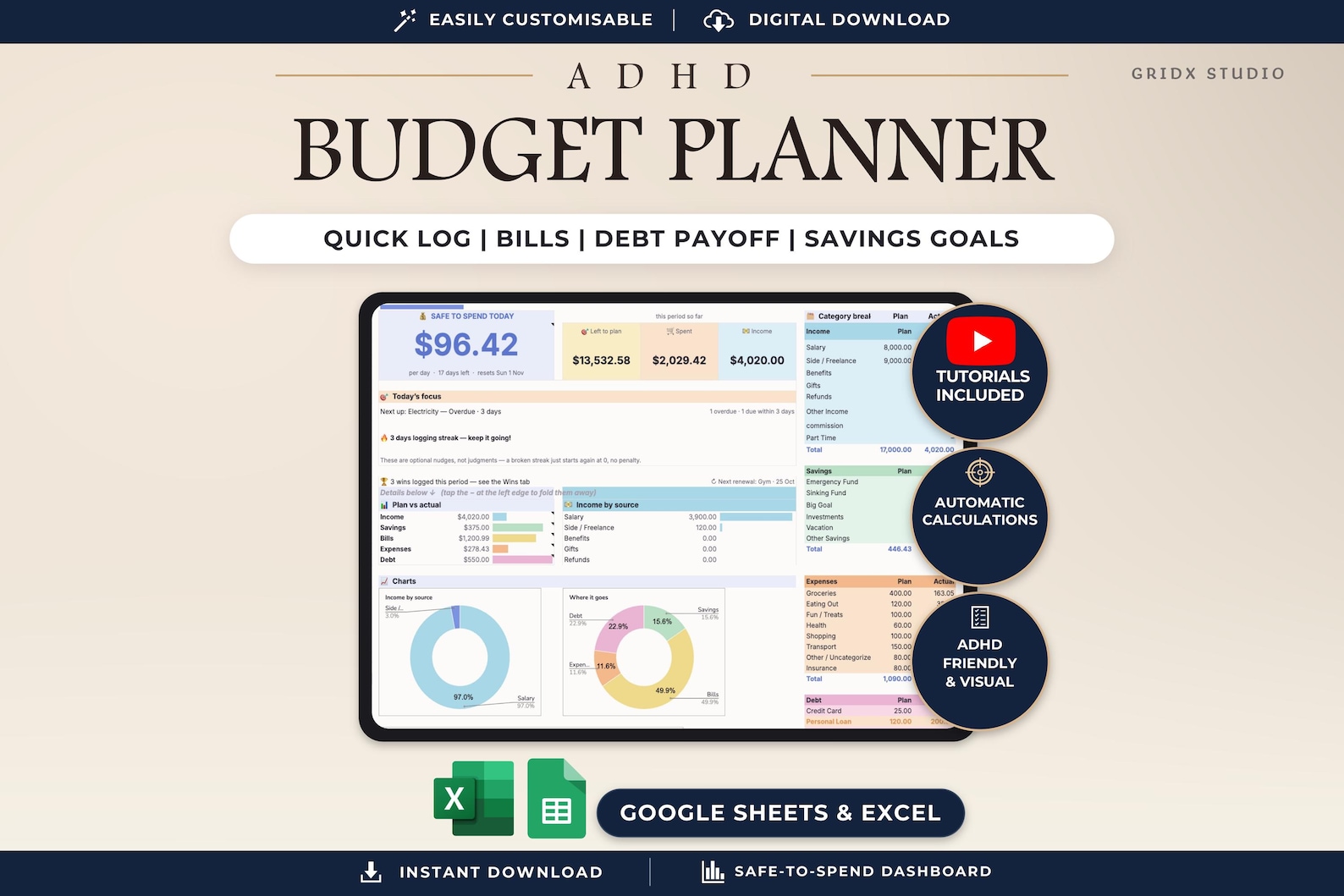
- Make it visible. Use one sheet that shows what is left at a glance, with green and red cues. If you can read your budget in five seconds, you will look at it. If it takes five minutes, you will not.
Try it: your left-to-spend number
Enter rough monthly numbers below to see how the four buckets leave you a single number to live on. Change anything and it updates instantly.
Your left-to-spend number
Type your monthly amounts. Nothing is saved or sent anywhere.
How to set it up in a spreadsheet
A Google Sheet is a good fit because it is free, works on your phone, and can do the math for you. Here is a setup that takes about 30 minutes. Tick things off as you go; your progress is saved in your browser.
- Enter your income. Add your paycheck amount and pay dates once. Everything else builds from this number.
- List fixed bills with due dates. Adding the due date matters for time blindness, because you can see which week each bill lands in.
- Set your bucket amounts. Give each of the four buckets a fixed amount or percentage. The sheet subtracts them from income so you see what remains.
- Add one "left to spend" cell. This single number, shown large at the top, is the only one you need to check day to day.
- Use conditional formatting. Turn the cell green while you are under budget and red when you are not. Color gives you the answer without reading numbers.
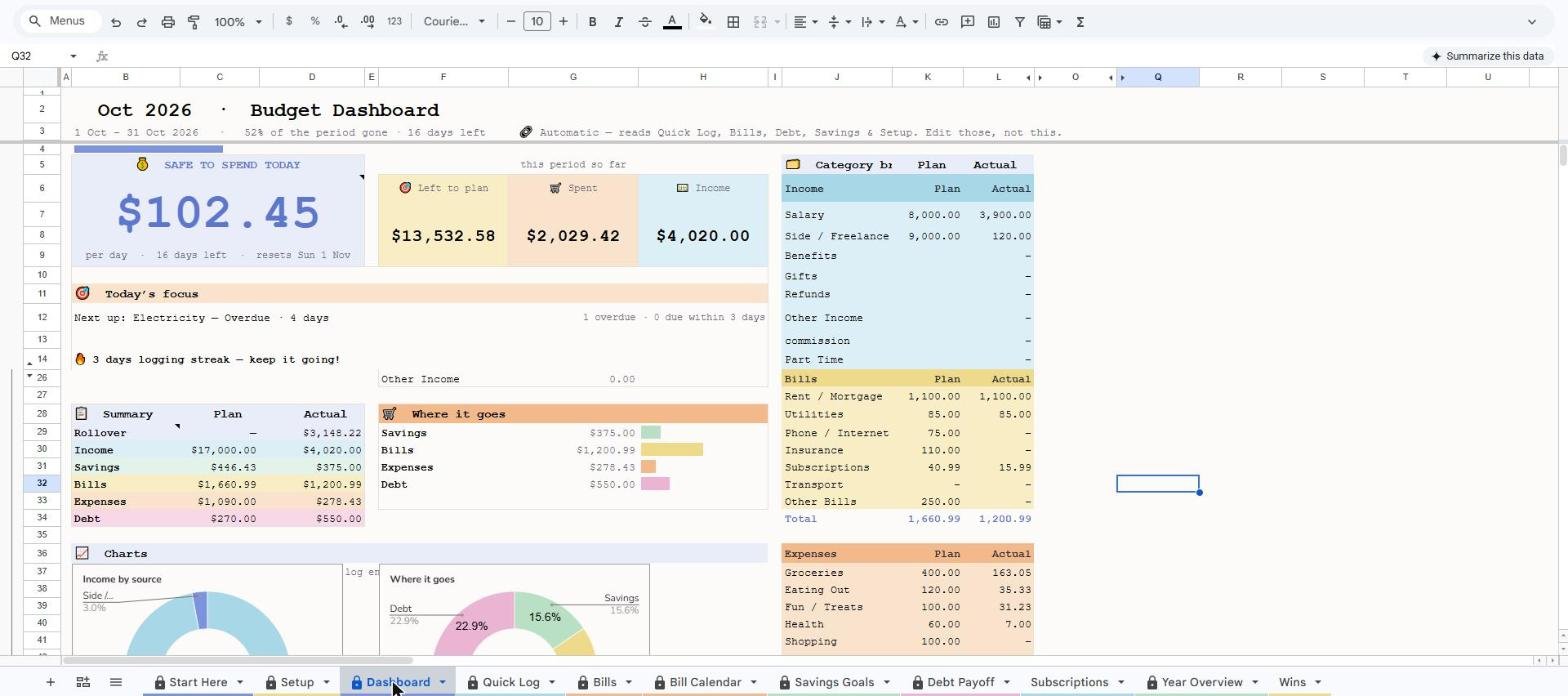
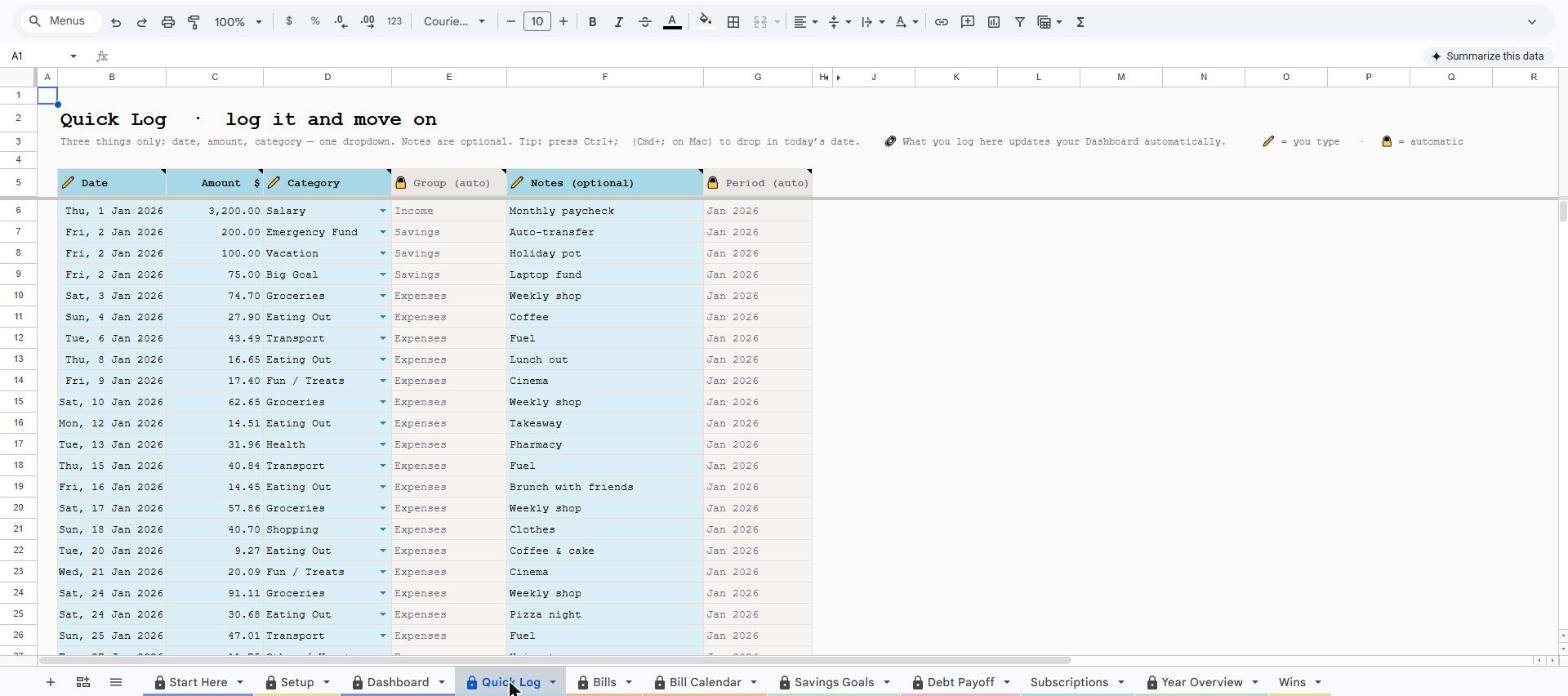
A good template does all of this for you, with formulas already built and dropdowns instead of typing. That means you only enter what you spent and the sheet updates itself.
Five tips that keep it going
5-minute weekly check-in
Skip daily tracking. Pick one fixed time, such as Sunday morning with coffee, and set a phone reminder. Missing a week is fine; the next check-in resets it.
Build in a buffer
Set aside a small amount for surprise costs and impulse buys. A plan that expects mistakes does not collapse when one happens.
Name your fun money
A labeled "guilt-free spending" amount lets you say yes without feeling like you broke the budget.
Look at bills by week
Group due dates by the week they fall in, so a heavy week does not catch you off guard.
Forgive a bad week quickly
Restarting matters more than keeping a perfect streak. Enter the numbers you have and move on.
Bills by week
Tap a bill to mark it paid. Sample data.
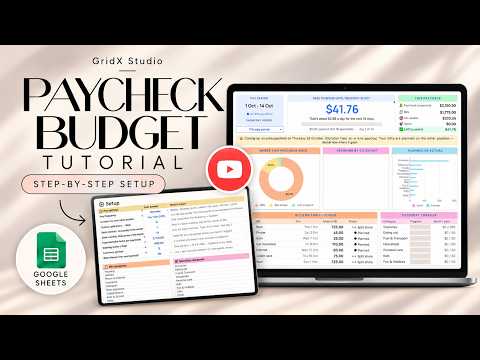
Watch the walkthrough
See the budget set up from scratch, step by step.
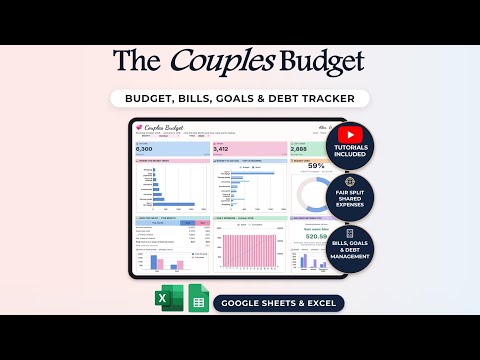
More tutorials from the channel
Frequently asked questions
What is the best budget method for ADHD?
The best method is the one you will still use in three months. For most people with ADHD that means few categories, automated transfers, and a single visible "left to spend" number rather than detailed tracking.
Can I use a spreadsheet if I struggle with consistency?
Yes, if the spreadsheet does the work. Pick one with built-in formulas, dropdowns, and color cues, and plan a short weekly check-in instead of daily entry.
How do I stop impulse spending with ADHD?
Give impulse spending a planned home. A fixed fun-money amount, a short wait before larger purchases, and removing saved cards from shopping apps all reduce unplanned spending without relying on willpower.
How often should I update my budget?
Once a week is enough for most people. A weekly check-in catches problems early without the fatigue that makes daily tracking fall apart.
Is a paper planner or a digital sheet better?
There is no single answer. Digital sheets calculate for you and are always on your phone, while paper can feel more tangible. Choose whichever you will actually open.
Skip the setup. Start with a template that is already built.
The GridX Studio ADHD Budget Planner is a Google Sheets template with the four-bucket layout, weekly bill view, automatic "left to spend" total, and color cues already in place. Make a copy, enter your income, and you are running in minutes.